Future Knight Getting Started
Install the demo, survive the first biome, and learn the swap loop.
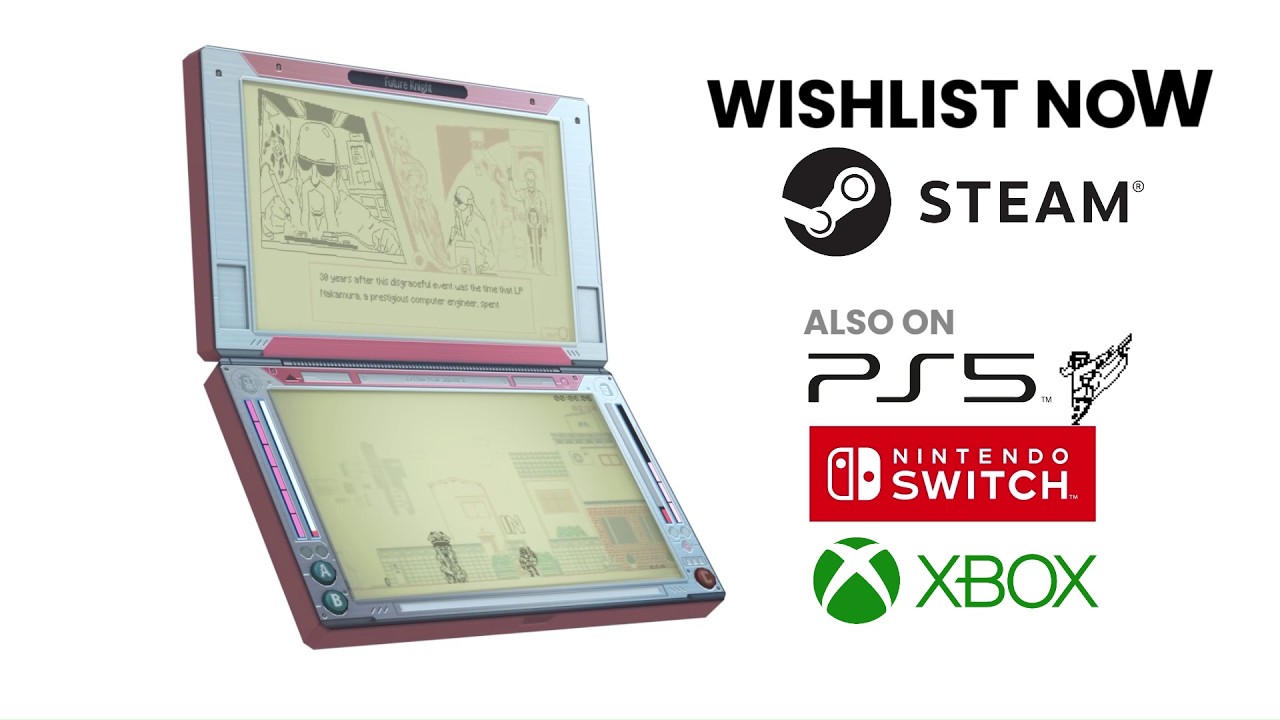
Welcome to Future Knight — a frenetic LCD-style shoot ‘em up where you control a robot built from a 90s soap opera actor and his inexplicably powerful benign tumor, Two More. If you are reading this before the August 13, 2026 launch, the fastest way to learn is the free Steam demo. This getting started guide walks you from wishlist click to your first successful boss attempt without spoiling the full cult-satire plot.
Step 1: Install the demo
Open the Future Knight Steam store page and scroll to Download Demo. You need a Steam account and roughly 1.5 GB of free space (full game size is similar on console listings). For a detailed wishlist and pre-launch checklist, see Demo & Wishlist.
Console players without Steam should read Release Date & Platforms — the demo is PC-first, but launch coverage applies to Switch, PS5, and Xbox Series as well.
Step 2: Run the first tutorial beats
Future Knight drops you into May 23, 1993, with little hand-holding. Expect to:
- Move and shoot as Future Knight with the Techno Blaster.
- Swap to Two More for dashes, wall climbs, and tight-space shots.
- Survive environmental hazards — construction gear, conveyor belts, and physics-heavy set pieces appear early.
Do not rush. The game rewards observation: enemy telegraphs are readable once you stop holding fire constantly.
Step 3: Learn the swap loop immediately
The single most important skill is instant character switching. Future Knight restores Two More’s energy when you play as the robot; Two More can recover Future Knight’s health when used well. Treat them as one moveset, not two separate characters you main independently.
Deep mechanics live in Dual Character Combat — read that guide after your first 30 minutes. For input reference, bookmark Controls.
Step 4: Approach your first boss
Demo bosses test pattern recognition, not gear checks. When a fight starts:
- Identify which phases need range (Future Knight) versus mobility (Two More).
- Save aggressive swaps for recovery windows — not panic moments mid-pattern.
- Study our Boss Guide before repeated attempts to avoid frustration.
Preview coverage describes bosses as “born from an insane mind” — expect gross humor and bullet density. ESRB Mature rating is accurate.
Step 5: Collect sectarian triangles
Mysterious sectarian triangles appear as progression keys. Grab them when routes allow — they unlock narrative paths explained in Sectarian Triangles. Missing optional triangles may gate bonus context, not always mandatory exits.
Step 6: Plan for eight biomes
The full campaign spans eight hours / eight biomes. The demo covers a slice of that structure. Read Biomes Walkthrough to preview park walks, buffet sabotage, and sky sections involving the Future Board.
PC performance check
If frame drops cause input lag, verify your hardware against System Requirements. Shoot ‘em ups feel unfair when swaps register late — fix performance before blaming difficulty.
What to read next
| Goal | Guide |
|---|---|
| Master swapping | Dual Character Combat |
| Beat demo bosses | Boss Guide |
| Understand lore | Story & Characters |
| Launch purchase | Platform Comparison |
Future Knight is challenging but fair once the choreography clicks. Use the demo as a free skill test — if you enjoy the swap loop, the full release at $14.99 is an easy recommendation per our Review summary.
Frequently Asked Questions
Quick answers to the most common questions.
Is the Future Knight demo free?
Yes on Steam. Download it from the official store page without buying the full game.
How long is the demo?
Enough to sample combat, swapping, and at least one boss loop — not the full eight-biome campaign.
Do I need a controller?
Keyboard and gamepad both work on PC. See Controls for default bindings.
Is Future Knight good for beginners to shoot 'em ups?
It teaches clearly but difficulty rises fast. Getting Started plus Dual Character Combat eases the curve.